Activate a Flow
After you configure the Flow, as Flow manager, you must activate the Flow so it can be used. This is done from your own Data room and not Administration.
-
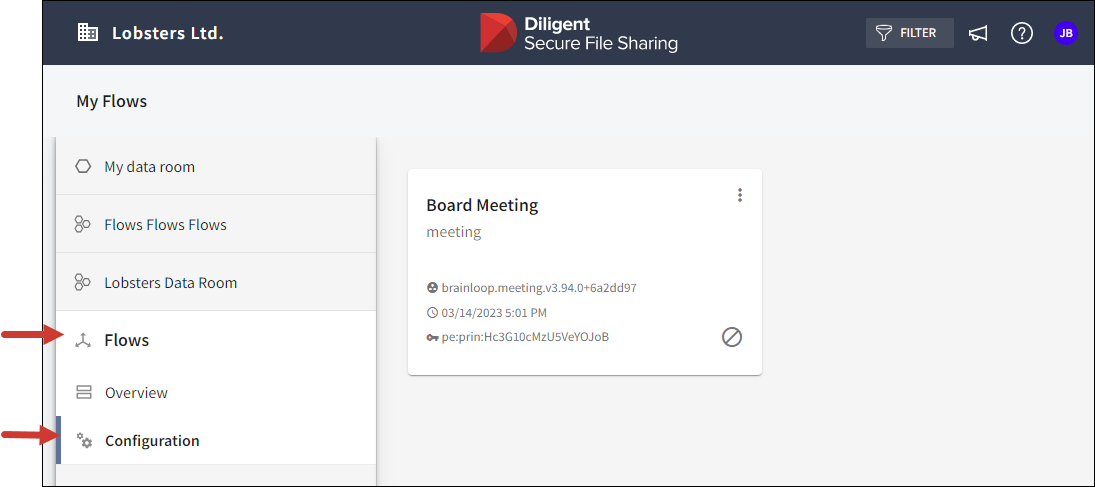
In your data room select Flows from the navigation panel to open the Overview.
-
Select Configuration. Your Flow installations are displayed as cards.
-
Select the installation card's more options icon
 and select Activate.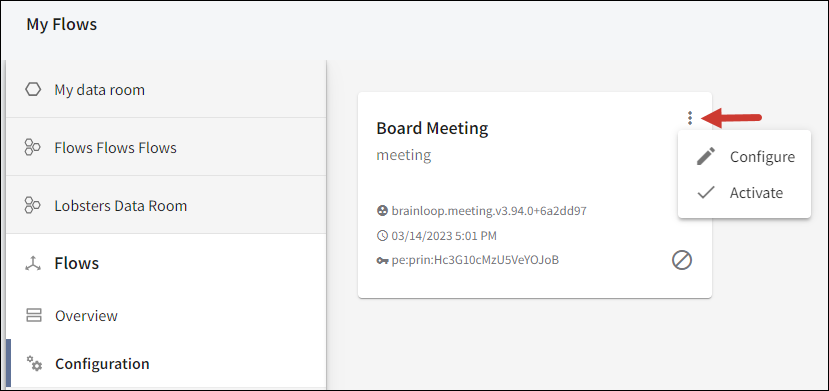
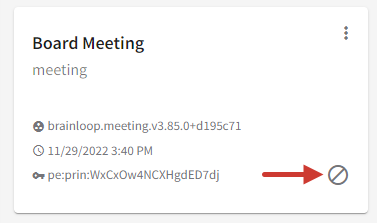
The Flow installation is now activated, and the deactivated icon disappears from the Flow card. From then on, anyone who has the required permission can start Flows.
Note
Organization administrators may find an Activate option for Flow cards in the Installations tab of their Flows administration view. However, they can only activate a Flow installation successfully after the Flow manager has configured the installation correctly. The Flow manager configures and activates a Flow installation.
